

CASINO
Live Casino Rooms
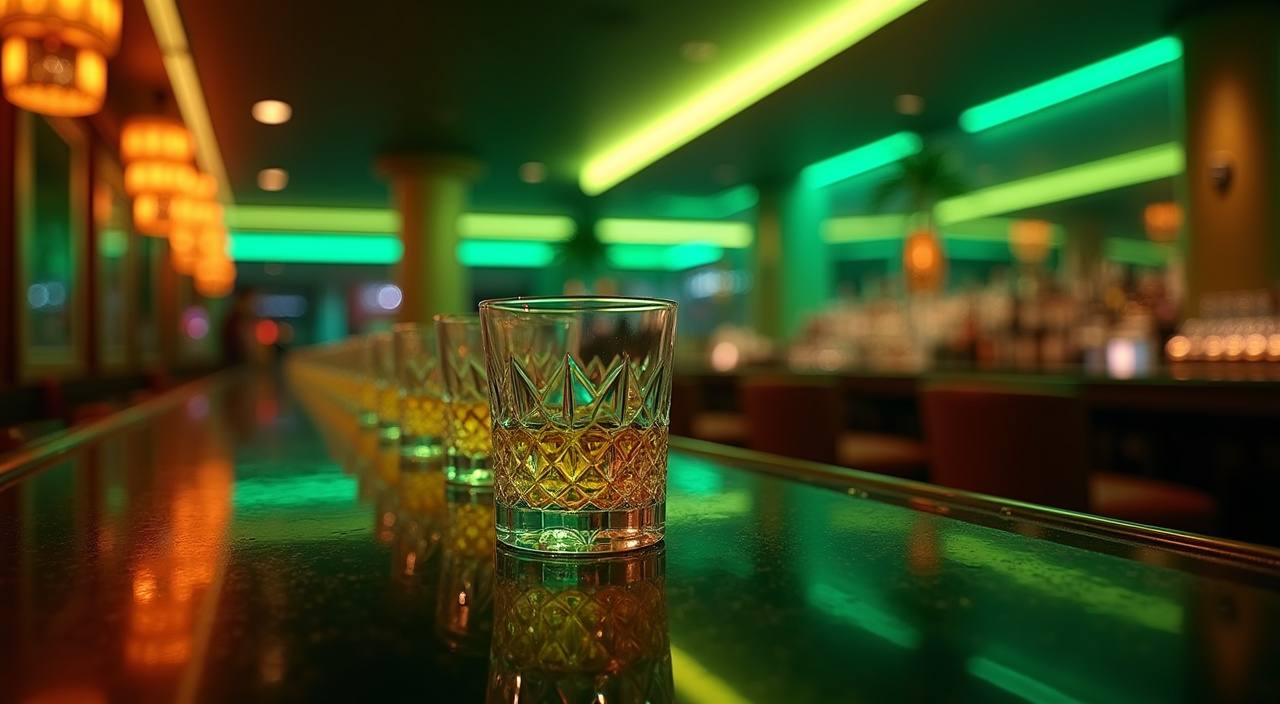
Check baccarat-style tables, roulette areas and Dragon Tiger timing before you sit down, with table status…
Aviator, Dragon Tiger, Super Bingo and Mega Fishing sit beside casino tables and Sportsbook markets, so your first session starts from one lobby.

Casino and slots are placed close to the first screen because they are the areas you usually open most often.

Open the lobby to see slots, Live Casino, table games, fishing rooms and Sportsbook panels arranged for quick switching.
You will see familiar studios such as Pragmatic Play, PG Soft and Habanero across the slot and casino areas.
Funding should be clear before you enter a game room. We place DANA, OVO, GoPay and QRIS in the wallet area, show the account-name check before…
The home page gives the first route, then deeper pages answer specific account questions. Use these areas when you want more detail on lobby categories, account steps, promo board timing, wallet status…



Your home page should answer the practical questions first: how to create an account, where the lobby sits, and how your wallet connects.
Phone browsing is where many sessions begin, so our home page keeps the login button, wallet rail and category cards reachable without heavy scrolling.

Security should be visible from the first page, not buried after login. We keep password creation, session checks, wallet confirmation and withdrawal verification in the account flow, while…
A single home lobby reduces the work of searching across separate pages, chat links and wallet screens.
Casino, slots, fishing and Sportsbook use the same wallet, so you do not create separate balances for each category.
DANA, OVO, GoPay and QRIS are shown in the wallet row, letting you confirm the rail before adding funds.
Dragon Tiger, Aviator, Super Bingo and Mega Fishing sit in their own rooms, reducing wrong clicks from the first screen.
Live chat, email and mobile help stay near the account menu, so help is not hidden after a failed login.
Wallet requests show status updates, helping you see whether a funding or withdrawal request is still being checked.
Start from your phone and return on a computer with the same account menu, wallet balance and lobby categories.
Before you open a room, the home page gives category context instead of hiding everything behind one button.
Feature rooms show provider names and game tiles before launch.
Table lobbies show live status and room type before entry.
Fishing rooms display game tiles separately from slot categories.
Aviator and similar rooms are kept away from live tables.
Markets use the same wallet but sit in a separate panel.
The home page is arranged for Indonesia traffic, with wallet names you already recognise and WIB support hours displayed near the help route. If you are browsing from Surabaya, the same lobby opens with mobile-first category cards and the same DANA, OVO, GoPay and QRIS options. Access to real-money areas depends on local law, and our account checks apply before withdrawals move.
The home screen should make the brand understandable within seconds. We focus on visible account creation, familiar local wallet rails, clear game categories, direct support access, mobile-friendly routing…
These are the questions we expect on the home page before you create an account or return to the lobby. Each answer points to the practical route: account, wallet, games, support or access rules.
Start at the account button if you are new, or use login if you already have details saved. After access, check the wallet row before opening a game room.
Enter your phone number, password and basic profile details, then confirm the account before moving to wallet actions.
Choose DANA, OVO, GoPay or QRIS from the wallet row and wait for the status to update in your account.
Open casino, slots, fishing or Sportsbook from the category cards, then return to home without closing your session.
Submit the wallet request after your account name is confirmed, then watch the status panel for team checks.